Before any equipment goes into a data center or server room, five things need to be settled: the capacity needed today and in a few years, the power load and cooling, the level of resilience, where outside telecom services enter, and whether the floor can take the weight. Racks, structured cabling, pathways, power and data separation and labelling are then planned around those answers.
A server room fitted out in a hurry works at first. Then more equipment arrives, temporary cables become permanent, power leads tangle with network cables, and two years later nobody knows where any cable goes. The result is faults that are hard to trace, cooling that falls short and expansion that means starting over.
Fitting out a data center or server room properly starts before the first rack is delivered. This article covers the main elements and what to plan for in each.
Start with questions, not equipment
Before choosing any product, you need clear answers to questions such as:
- How much equipment today, and how much in five years? Expected growth sets the number of racks, the floor space and the cabling.
- What is the power load per rack? This figure drives both the electrical supply and the cooling.
- What level of resilience is needed? Is one power feed enough, or must every device receive two independent feeds?
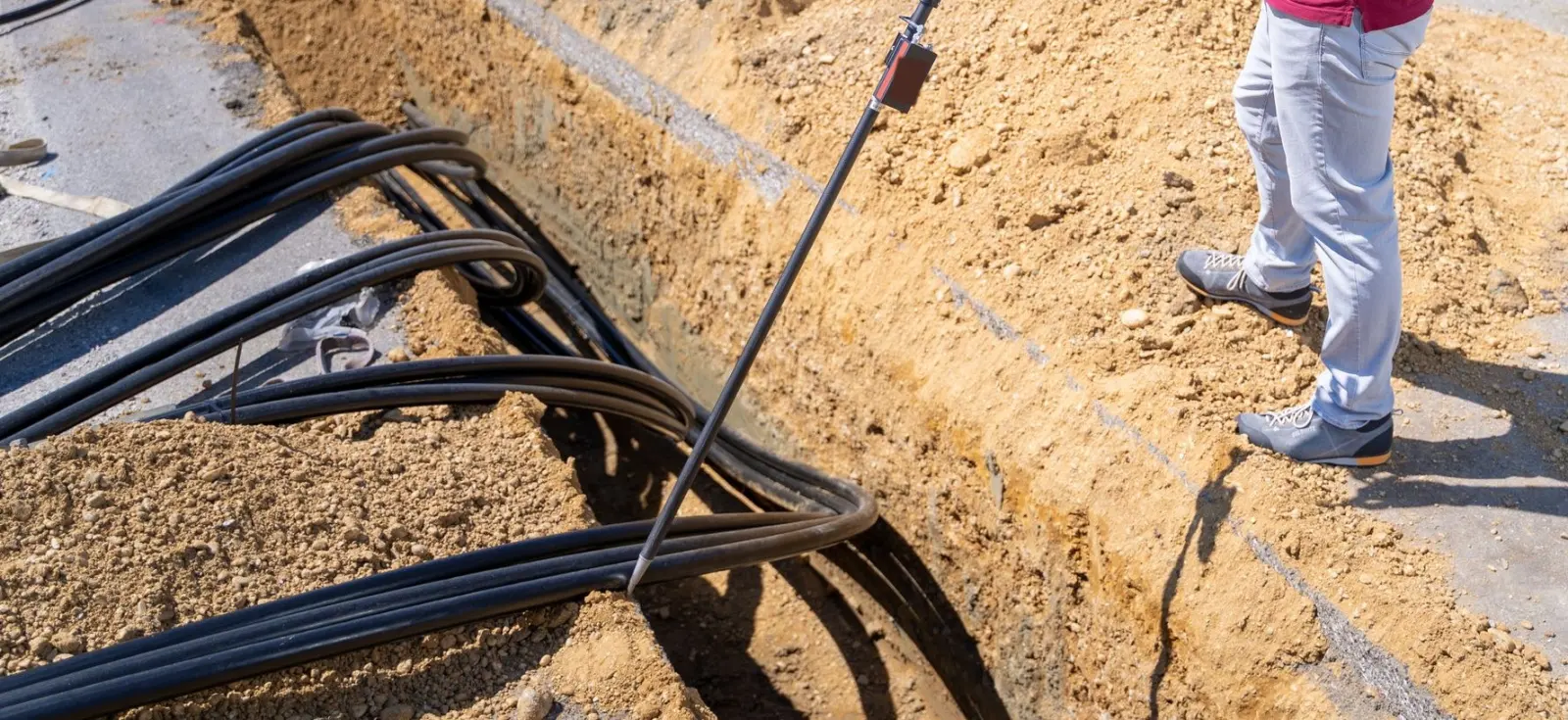
- Where do external telecom services enter? By which route, and is there a second, diverse entry?
- Can the floor take the weight? A rack full of equipment and batteries is heavy, and this should be checked with a structural engineer.
Write the answers down in one document before buying anything; it becomes the reference against which every later decision is checked.
Racks
Standard racks take equipment with a 19-inch mounting width; the rack itself is wider, commonly 600 or 800 mm. Rack height is measured in rack units (U), where one unit is 1.75 inches (44.45 mm). When planning:
- Choose rack depth for the deepest equipment you expect, with room behind it for cables and power distribution units.
- Leave enough clearance in front of and behind the racks to work and open doors.
- Where space allows, give network equipment (patch panels and switches) its own racks or clearly defined space, separate from server racks.
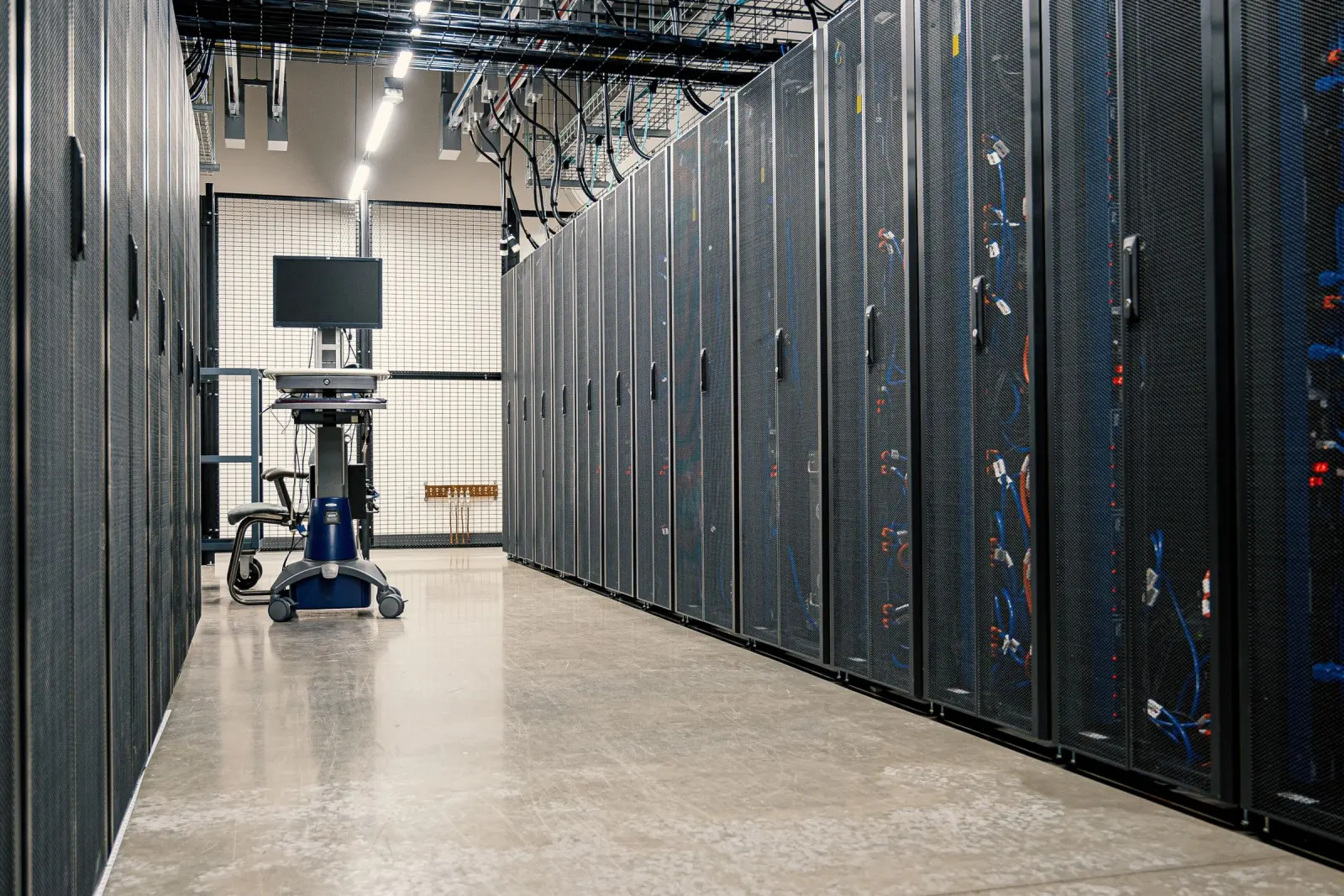
- Lay racks out in hot aisle / cold aisle rows: equipment fronts face each other across an aisle that receives cool air, and backs face each other across an aisle where hot air leaves. Fit blanking panels in unused units so the two air streams do not mix.
Structured cabling
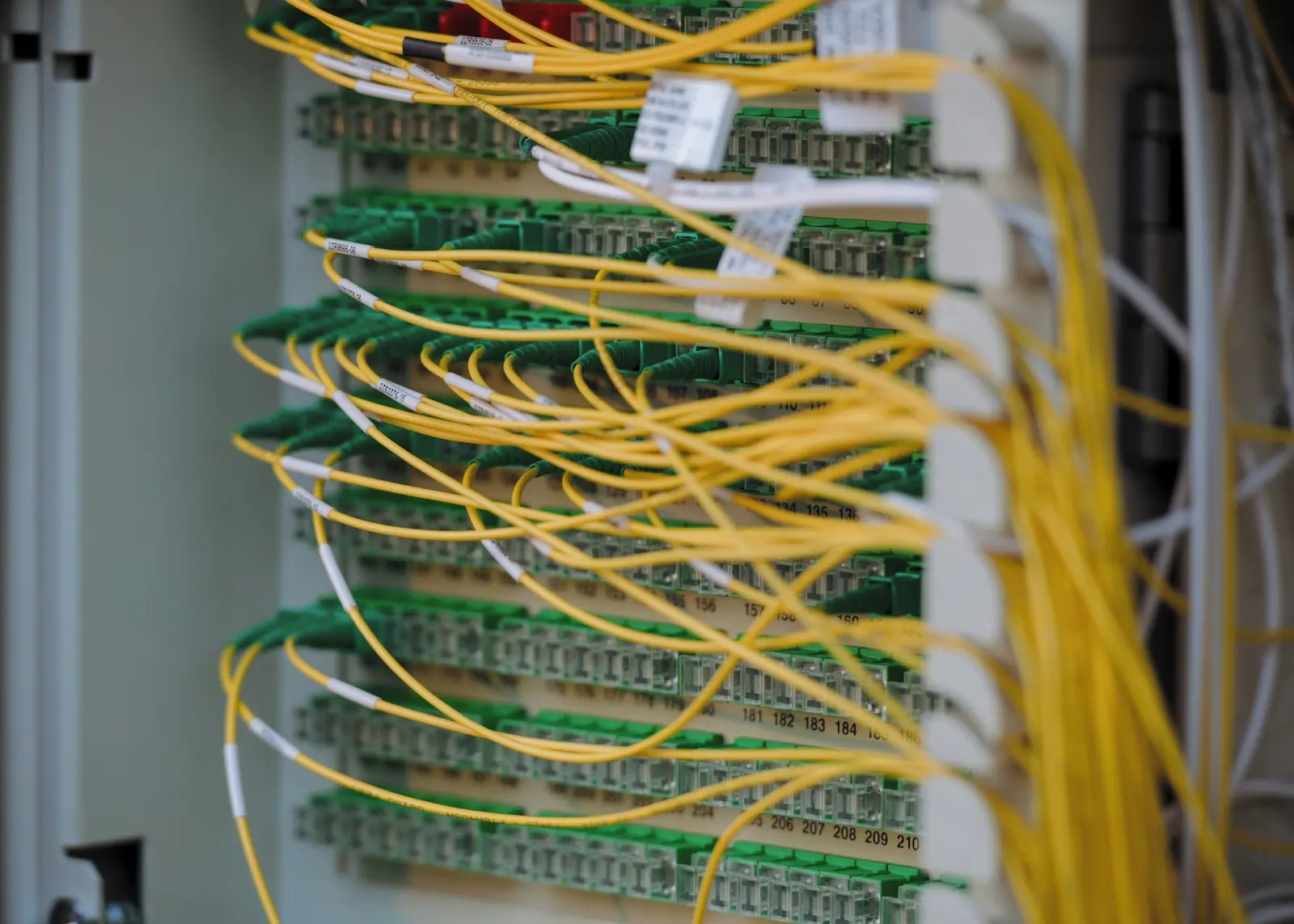
Structured cabling means the permanent links between racks are installed once and terminated on patch panels, and all day-to-day changes are made with short patch cords. The system stays orderly however often equipment changes.
Copper
For copper links, categories such as Cat6A are typical in modern installations. The common cabling standards set the copper channel limit at 100 meters, of which 90 meters is the permanent link and the remainder is patch cords at both ends.
Fiber
- Multimode fiber (such as OM3 and OM4) is common for short runs inside the room; the higher the speed, the shorter the distance it can support.
- Single-mode fiber is used for longer distances and for links to outside networks, and is increasingly chosen inside the room as well to accommodate future speeds.
- Pre-terminated trunk cables with MPO connectors cut installation time and save space in pathways.
Every link, copper or fiber, is tested after installation and the results are kept.
Pathways: overhead or underfloor?
Cables usually run on overhead trays above the racks or beneath a raised floor. Overhead pathways are easier to access and inspect. A raised floor is useful when it also distributes cool air, but cables piled beneath it can block that airflow.
Whichever you choose:
- Size pathways well beyond current needs.
- Respect bend radius, especially for fiber.
- Do not block air intakes or exhausts with cable bundles.
Separating power and data
Power cables can induce electromagnetic interference in copper data cables, and mixing the two makes maintenance confusing and unsafe. Fiber is immune to that interference, but keeping it separate still matters for order and safety. So:
- Provide separate pathways for power and for data, and keep the separation distances set by the standards adopted for your project.
- Where the two must cross, cross at right angles.
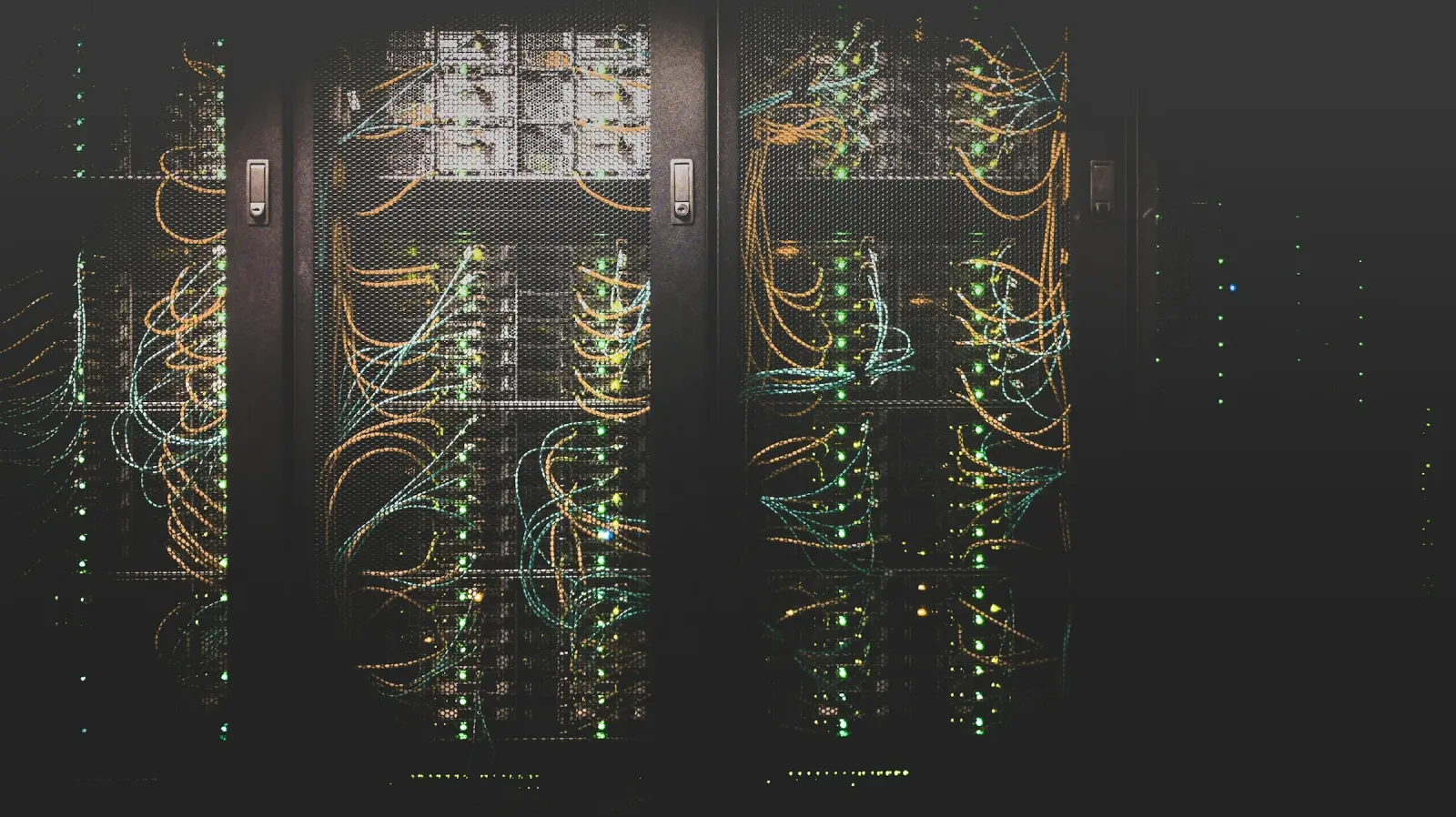
- Inside each rack, run power down one side and data cables down the other.
- Bond racks and trays to a single, documented earthing and bonding system.
Labelling and documentation
Every cable has two ends, and both should be identifiable without tracing by hand:
- Label racks, patch panels, ports and cables with one consistent scheme, with a label at both ends of every cable.
- Use names that encode location, such as row, rack, unit and port.
- Keep an up-to-date record that maps every port to the device connected to it, and update it with every change.
In a well-labelled server room, hours of fault-finding shrink to minutes.
A typical installation sequence
- Finish the room's civil, electrical and air-conditioning works.
- Install pathways, trays and earthing.
- Position racks and power distribution units.
- Install structured cabling and terminate it on patch panels.
- Test, label and prepare the documentation.
- Install equipment and connect it with patch cords.
In short
Data center fit-out is a set of early decisions that last a long time: space, power, cooling, pathways and labelling. Plan them well and you get a room that is easy to run and easy to grow. If the room will connect to an outside fiber network, see also How a fiber link is tested before handover.
Alyaf Call offers server room and data center fit-out: rack installation, structured cabling, connection to the fiber network, and testing and documentation. See our services, or contact us to plan with us before installation.